
Automating visitor check-in at security gates has become a priority for organizations and gated communities aiming to balance security and efficiency. A modern visitor management system replaces manual registers with smart, digital workflows that control access, record activity, and create a professional first impression. This guide explains how to automate visitor check-in at security gates, what technologies are involved, and why this approach is essential for gated communities and secure facilities.
Security gates are the first line of defense for any facility. Traditional paper logs and verbal approvals slow down entry, increase errors, and leave gaps in accountability. By using a visitor management system, organizations can automate check-ins, manage access approvals digitally, and enhance security without creating delays.
Comparison of Manual Versus Automated Visitor Check-in
| Aspect | Manual Check-In | Automated Check-In |
|---|---|---|
| Speed | Slow, staff dependent | Fast, self-service |
| Accuracy | Prone to errors | Digitally validated |
| Security | Limited visibility | Strong access control |
| Records | Paper based | Cloud-based logs |
| Scalability | Difficult | Easy to scale |
What Is a Visitor Management System and Why Does It Matter?
A visitor management system is digital visitor management software designed to control, record, and monitor visitor entry and exit at security gates. Instead of handwritten entries, the system captures visitor information digitally, creating accurate visitor logs and real-time visibility.
For gated communities, this technology supports visitor access management by ensuring only approved guests can enter. The visitor management system offers a structured way to manage visitor flow, improve accountability, and reduce unauthorized access while supporting community security goals.
How Does Visitor Check-In Automation Work at Security Gates?
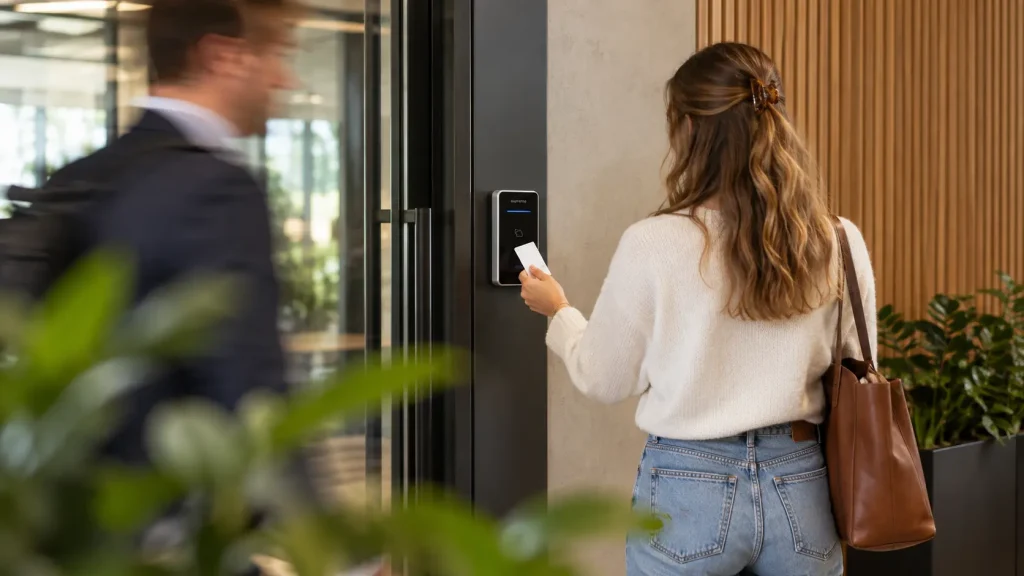
Automated visitor check-in begins before the visitor arrives. Hosts can pre-register guests, and when the visitor arrives at the gate, security verifies them instantly using digital tools. The check-in process is streamlined through QR codes, ID scans, or pre-approved access.
This approach allows security teams to grant access quickly while maintaining control. Automation also helps manage access across multiple access points without increasing manpower, making it ideal for high-traffic environments.
For a normal visitor management process, Our clients usually have the following requirement;
- Pre-registered visitors should be checked in only after a security verification at the gate using QR scan.
- Spot registrations happens at the front desk using any approved National Id’s.
- Security staff check out the visitors on exit
The Role of Kiosks and Visitor Management Kiosks at Gates
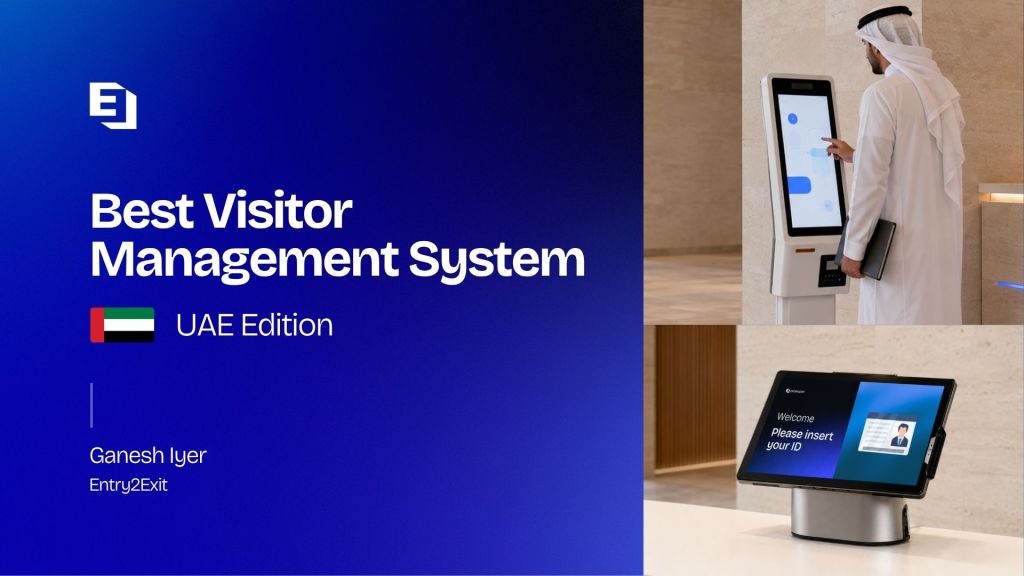
A self-service kiosk placed at the gate enables visitors to complete visitor sign-in without relying entirely on guards. A visitor management kiosk can scan IDs, read QR codes, and print a visitor badge within seconds.
Using kiosks reduces congestion at the front desk and supports on-site security teams. It also ensures every visitor entry is logged accurately, helping security staff focus on monitoring rather than paperwork.
KIOSK’s can come in various shapes and sized. Even a tablet can be used as a KIOSK if preferred. Many of our clients are opting for modern standing KIOSK’s which are easier to navigate by the visitors and adds to the lobby setup.
Using QR Code FOR automated gate check-in system
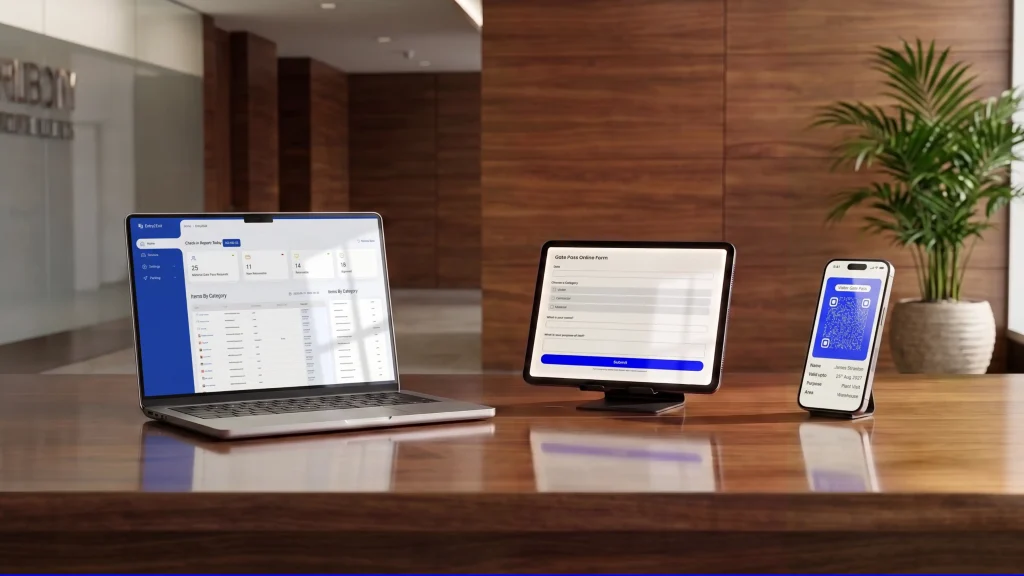
One of the most effective automation tools is the qr code. Pre-registered visitors receive a digital pass that can be scanned at the gate. In some setups, a qr code to unlock barriers allows instant gate access once verified.
QR-based check-ins reduce wait times, eliminate manual data entry, and ensure a seamless experience for guests while still verifying identity and approval status.
The QR codes are sent to Email or whatsapp or both after pre registration. This process can be initiated by;
- Host: Host invited the visitor by inputting the visitor details
- Visitor: Visitor can go to the web portal to input the details, Then it is sent to the host for approval
Access Control and automated gate check-in system
Automation works best when combined with access control technologies. A visitor management system integrates with an access control system and access control hardware such as barriers and turnstiles.
This integration ensures that only approved visitors can grant access to specific zones. By aligning visitor approvals with access control rules, facilities can protect access to sensitive areas and strengthen their overall security strategy.
Managing Visitor Data, Logs, and Tracking
Digital systems automatically create a log of every visitor entry and exit. This includes timestamps, visitor type, host details, and visitor activity. Accurate visitor logs help security teams track visitor movement and respond quickly during incidents.
A cloud-based platform stores visitor data securely, making it accessible for audits, compliance, and reporting. Proper visitor tracking also supports emergency response and evacuation planning.
Improving Security and Visitor Experience Simultaneously
Automation is not just about speed. It also helps enhance security while delivering a professional visitor experience. Automated workflows verify visitor identity, prevent unauthorized access, and support on-site security teams.
At the same time, guests benefit from a seamless visitor journey with faster check-ins and clear instructions. This balance between security and guest experience is critical for modern visitor management.
Why Automating Visitor Check-In Is Ideal for Gated Communities
Gated communities face unique challenges such as frequent guest visits, service providers, and deliveries. A visitor management system helps communities manage guest access, issue temporary access, and monitor visitor traffic without overwhelming security staff.
Using visitor management for gated communities, residents can pre-approve guests through a mobile app or web portal, while guards verify them instantly at the gate. This approach improves safety, efficiency, and resident satisfaction.
Implementing Visitor Check-In Automation Step by Step
When implementing visitor automation, start by defining different visitor types and approval rules. Choose a cloud-based software solution that supports kiosks, mobile check-ins, and integration with existing access control systems.
The system allows administrators to manage access rules, customize workflows, and ensure the entire visitor lifecycle is covered from entry to exit. Over time, automation will streamline operations and reduce dependency on manual processes.
Why Entry2Exit Is the Best Choice for Automating Visitor Check-In
Entry2Exit provides a robust, enterprise-grade visitor management system designed for security gates and gated communities. The platform is a cloud-based visitor solution that supports kiosks, QR code check-ins, mobile access, and deep access control integrations.
Entry2Exit stands out because it supports digital visitor management, integrates with existing security systems, and delivers real-time visibility across locations. With features like visitor pass issuance, smart access approvals, and detailed analytics, it ensures security and efficiency without compromising user experience.
Check out our list of the best visitor management systems for UAE
Key Benefits of Automating Visitor Check-In
- Reduces manual work at the front desk
- Improves access control and overall security
- Creates accurate digital visitor logs
- Enhances community security for gated communities
- Delivers a professional visitor experience
Frequently Asked Questions
1. What is automated visitor check-in at security gates?
It is a digital process where visitors are verified and logged automatically using software, QR codes, or kiosks.
2. How does a visitor management system improve security?
It verifies visitors, controls access approvals, and prevents unauthorized access.
3. Can QR codes be used for gate access?
Yes, QR codes enable fast, secure check-ins and can trigger automated gate access.
4. Is a kiosk necessary for visitor automation?
Not mandatory, but kiosks improve speed and reduce dependency on staff.
5. How does automation help gated communities?
It simplifies guest access, improves tracking, and strengthens community security.
6. Can visitor data be stored securely?
Yes, cloud-based systems store visitor data securely with audit trails.